How to Redesign Your Room with AI (from Just a Photo)
 The Idori team
·
·
4 min read
The Idori team
·
·
4 min read
You don't need a designer, a 3D program, or a single measurement to see your room transformed. With AI, a photo is enough. Here's the exact five-step flow, and the small habits that make the results genuinely good.
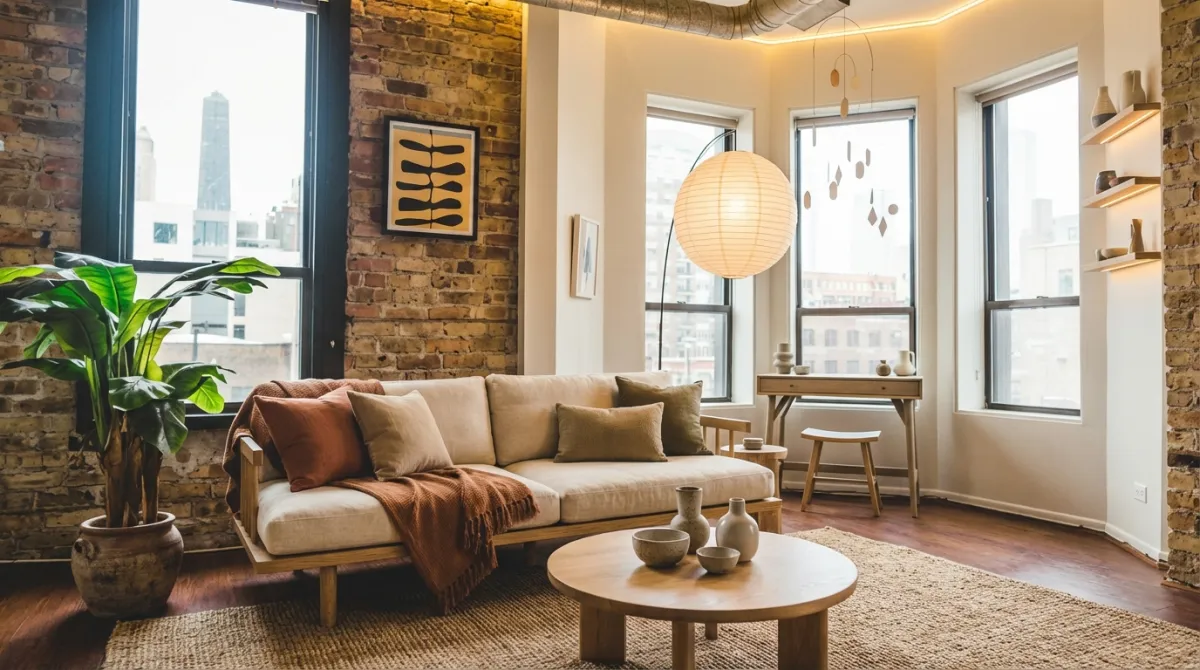
1. Photograph your room
Start with a clear photo of the space exactly as it is today. The AI redesigns your room, its walls, windows, and proportions, so the input matters:
- Shoot straight-on from a doorway or corner so the whole room is visible.
- Even, natural light beats harsh shadows or a single lamp.
- Tidy the obvious clutter, since the AI works best when it can read the space.
2. Choose a direction
There are three ways to point the redesign, depending on how sure you are:
- Describe it. Type what you want in plain language ("warm Japandi with a low bed and linen drapes"). You can write in your own language; no need to translate to English.
- Get AI Ideas. Not sure what to do? Idori reads and analyzes your actual room and proposes pro-level directions, each with the reasoning behind it, that you can generate from in a tap.
- Tap a style. Apply a complete, curated look (Scandinavian, Coastal, Mid-Century) in one tap.
3. Refine the precise spots
Whole-room redesigns get you 90% there. For the last 10%, pin a Spot Edit: mark an exact area, like a pendant light, the wall color, or a rug, and tell the AI what it should become, while the rest of the room stays untouched. You can even attach a reference photo of a specific lamp or finish to match it precisely.
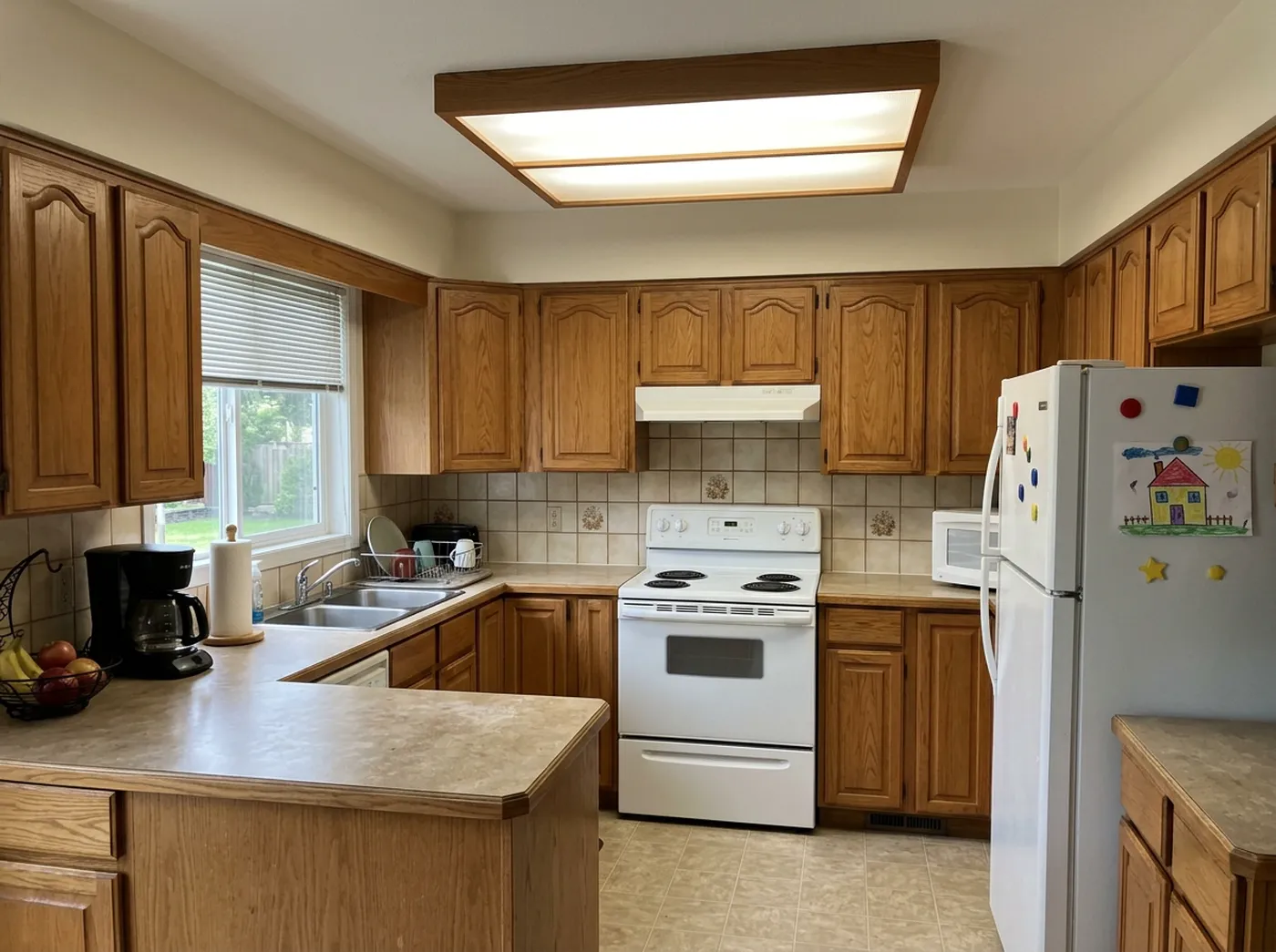
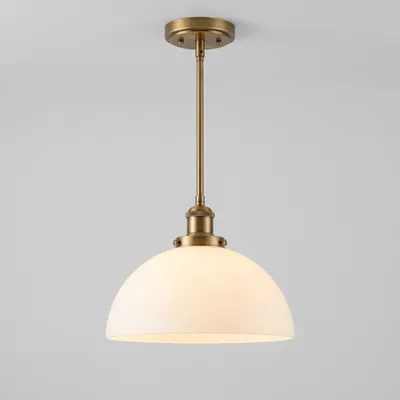 @3
Replace
@3
Replace
4. Compare and keep the best
Every result becomes a version in a browsable Version History. Slide between before and after to feel the difference, Branch from any version to try a variation, and keep the one you love. This is the step that turns "a cool AI picture" into "a decision I trust."
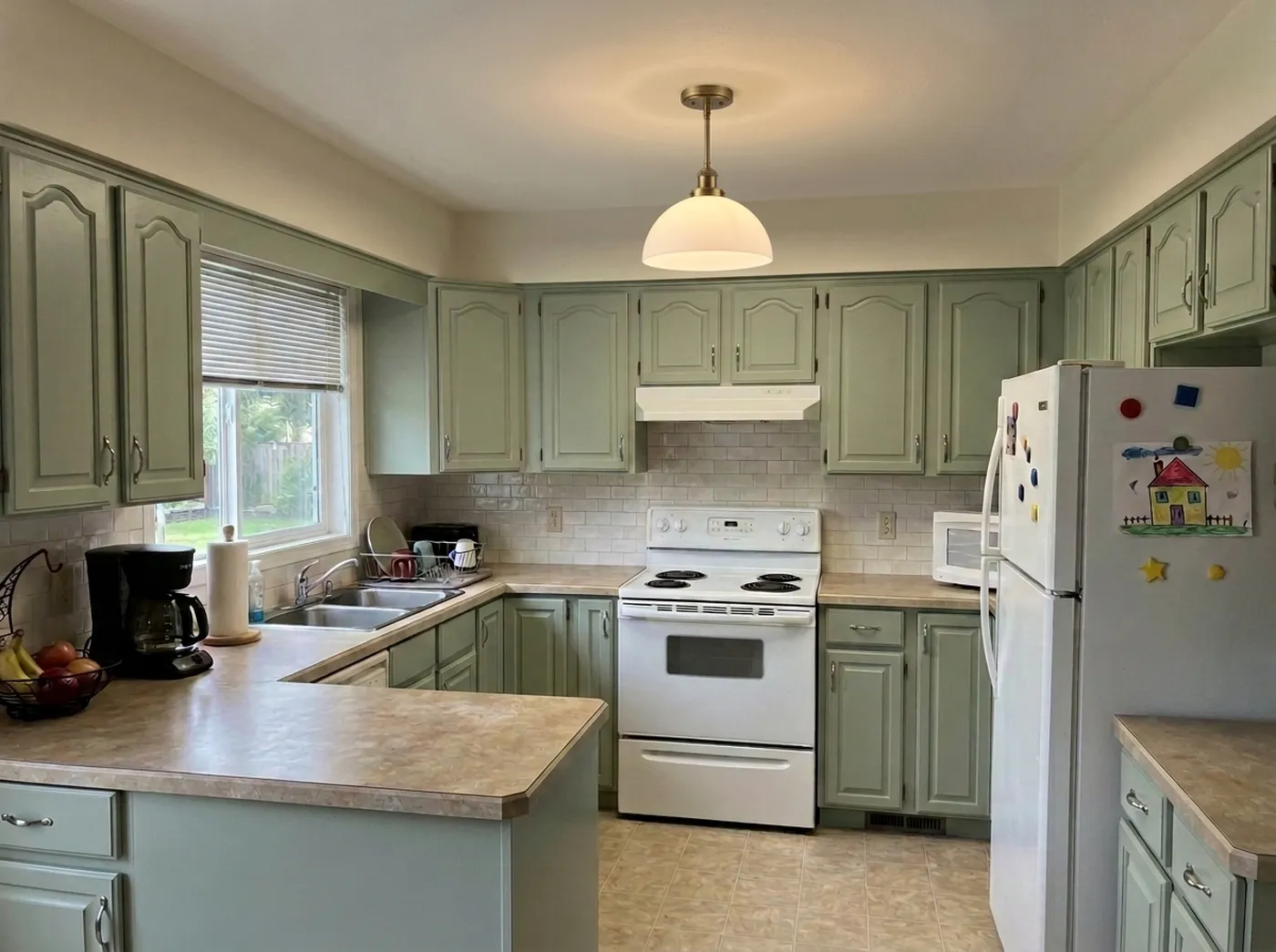 Before
After
Before
After
5. Save and share
When a version feels right, export it in full quality. Save it to your photos, send it to a partner or friend, or hand it to a contractor or designer to make it real. Your projects stay on your device until you choose to share.
Try it on your own room
Idori is the app that designs your room from a single photo, free to start, no measurements needed.
Download Idori freeFrequently asked
Yes. Idori starts from your photo and redesigns that exact space, keeping the room's geometry and windows, rather than generating a generic stock image.
No. Describe what you want in plain language or tap a ready-made style; the AI handles composition, lighting, and materials.
Idori is free to start, with a weekly credit allowance on the Free plan, enough to redesign your first rooms without paying. The Free plan also includes the full library of 30+ curated styles.