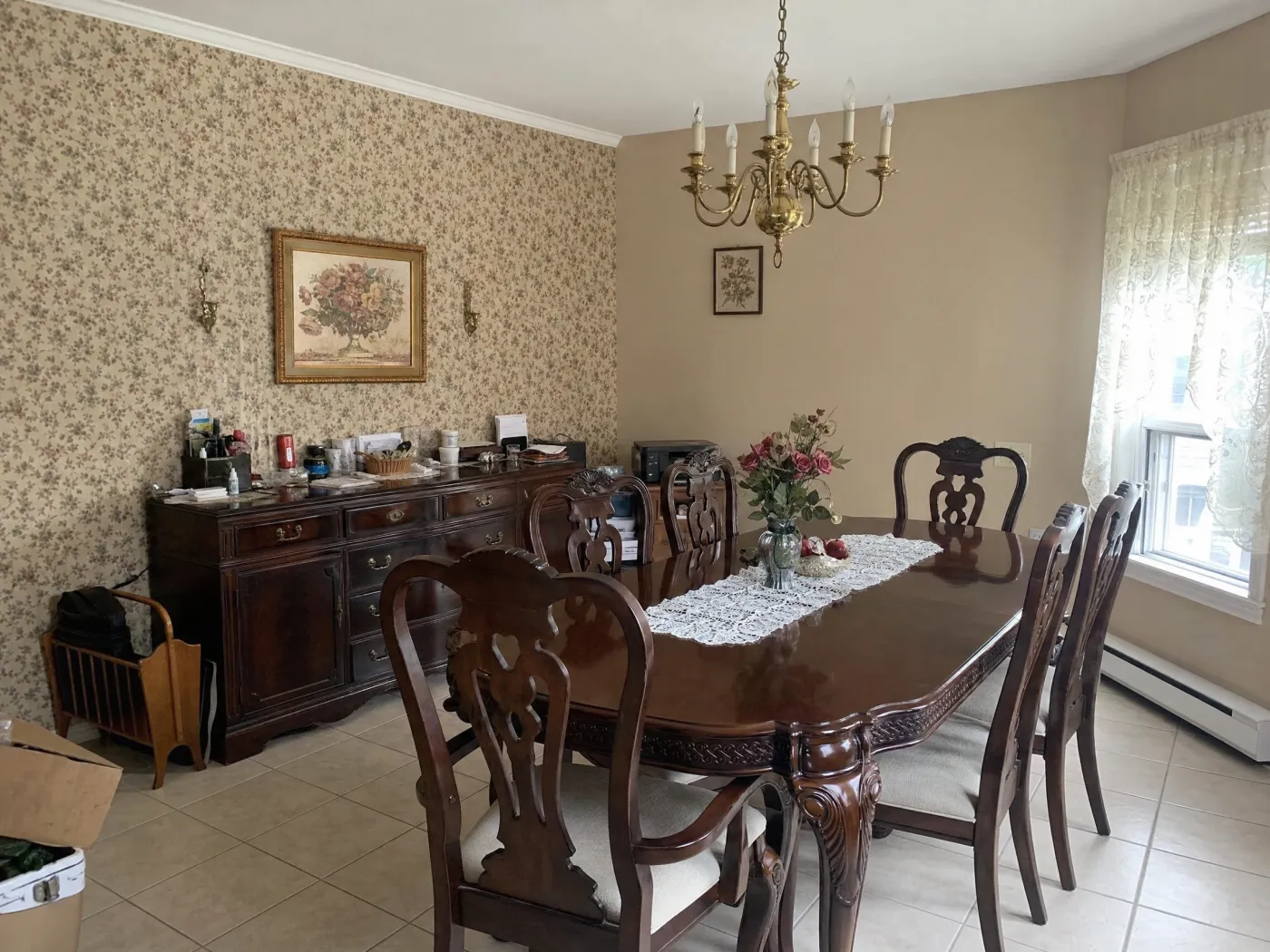
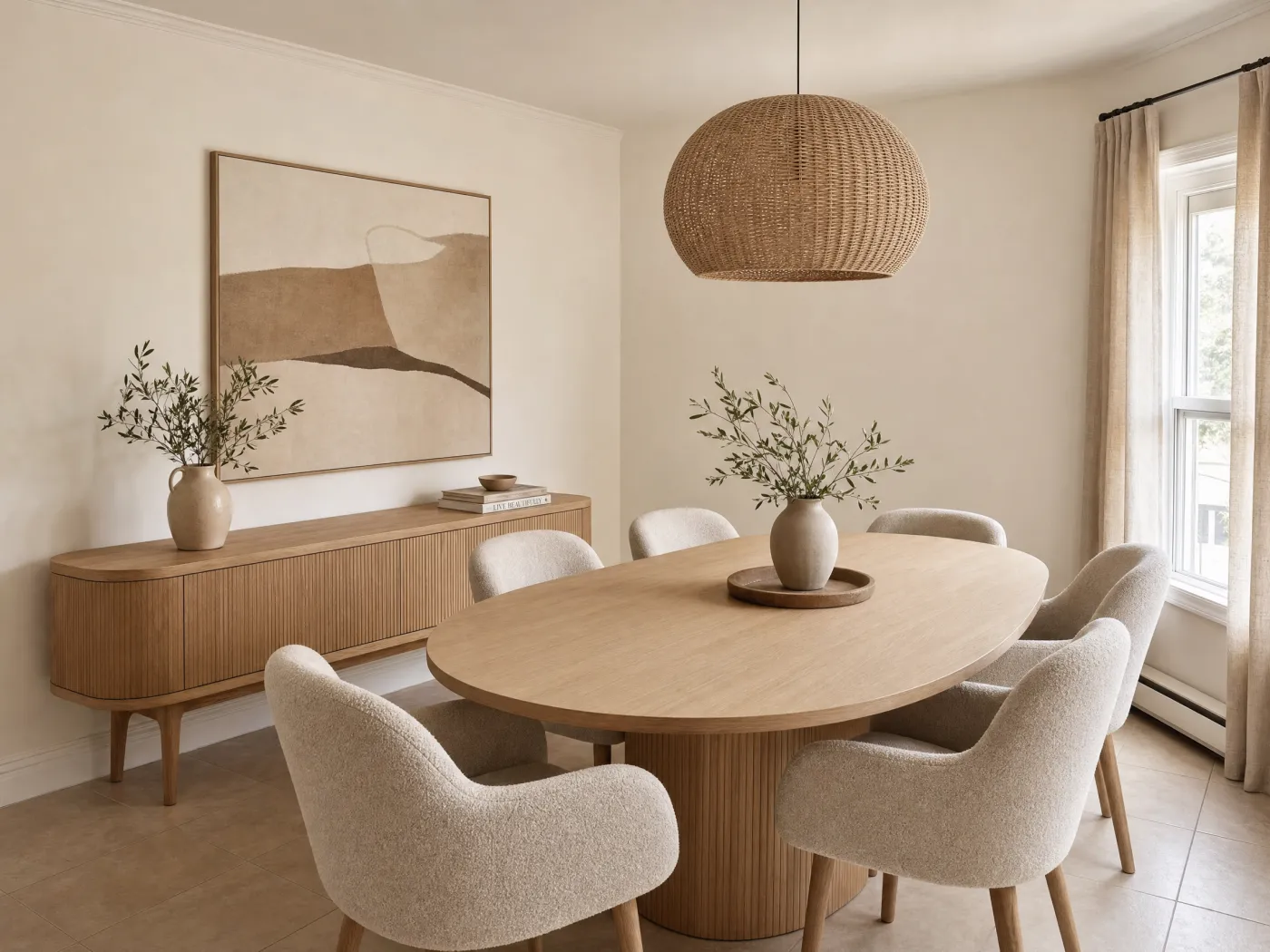
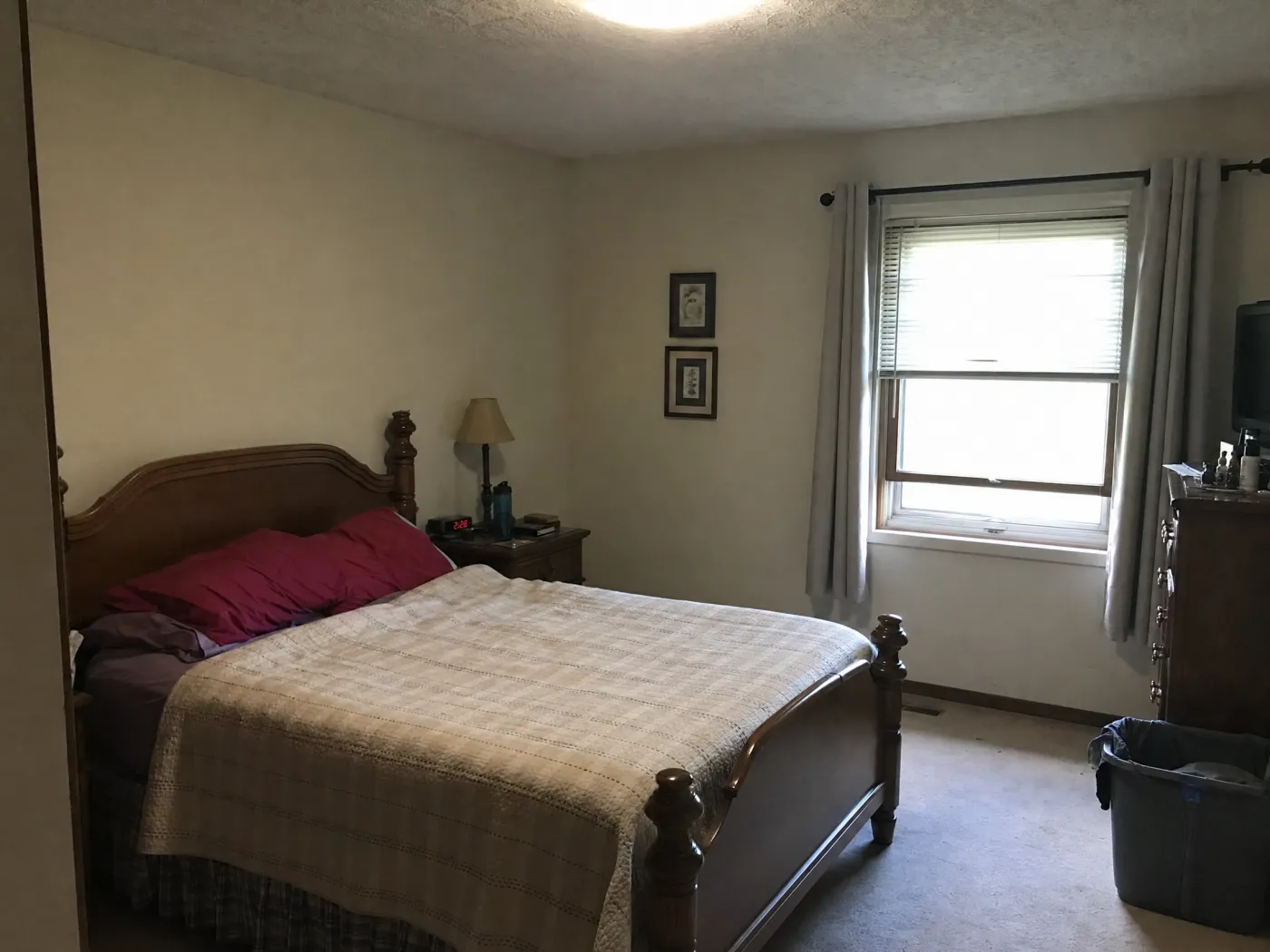
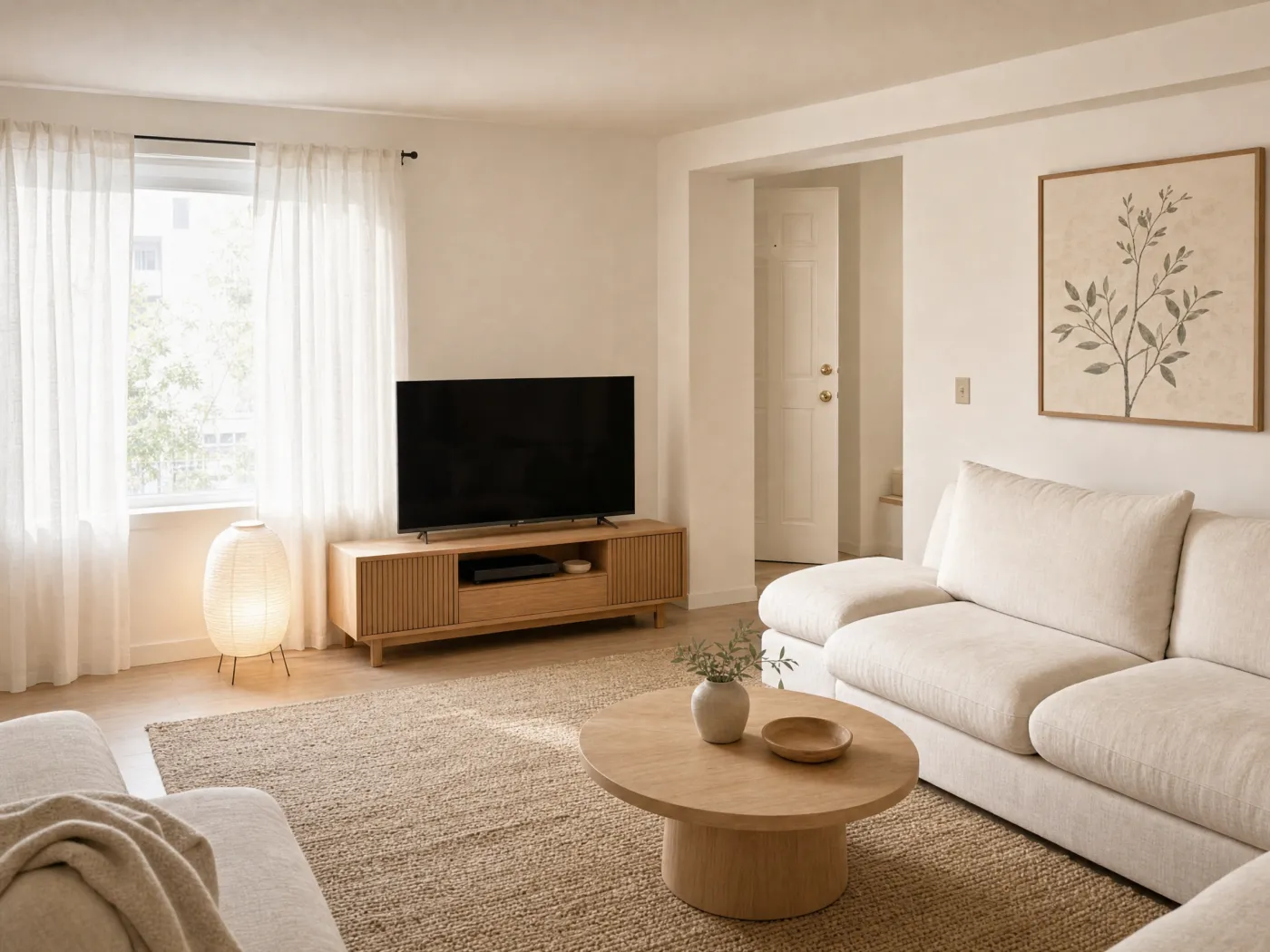
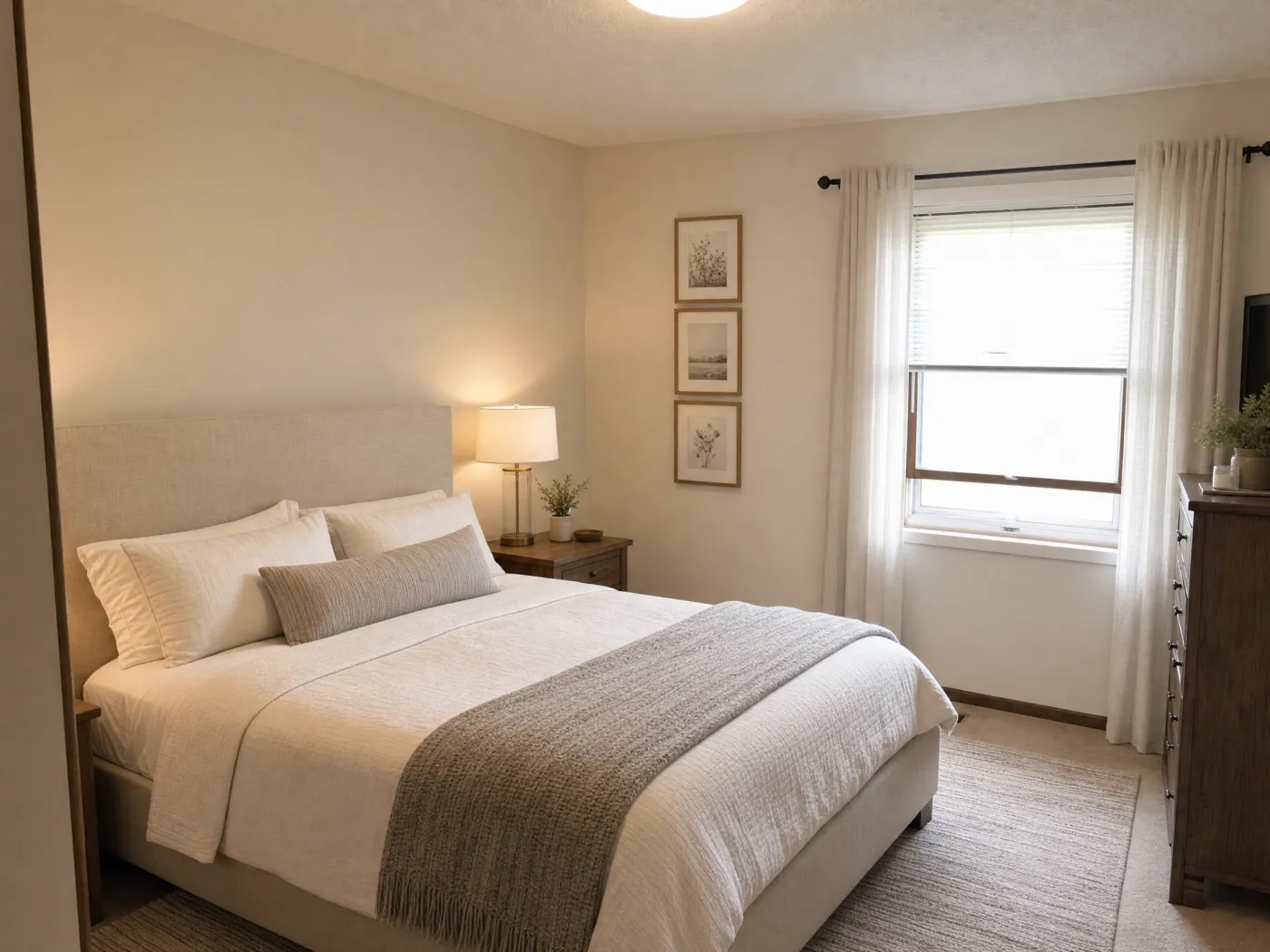
Idori decorates the room you already have. Take one photo, then try a new palette, warmer light, layered textiles, art, and the finishing pieces on your real walls and furniture, all before you buy a thing.
Free to start · No measurements needed · Your photos stay private
BeforeAfter
The flow
Decorate your room in four steps, not four showroom trips.
No samples to borrow, no returns to make, no guessing whether the rug will work. See the room finished first, then shop for what is actually in it.
1
Photograph your room
Snap the room as it is today, in daylight, with the furniture you own and the walls you have. It does not need to be tidy. Idori decorates what is really there.
2
Get AI Ideas, or say what you want
Cannot picture it yet? Get AI Ideas: Idori reads your room and proposes five decorating directions with the reasoning. Know the mood? Tap one of 30+ curated styles. Have a picture in your head? Describe it in any language.
3
Decorate spot by spot
Pin a Spot Edit to hang art above the sofa, swap the lamp, add a rug, or repaint one wall. Only what you pin changes, so the room comes together one decision at a time.
4
Compare, Branch, decide
Slide between versions to see how far the room has come, Branch the one you like to try a variation, then export the winner as the shopping list.
Everything Idori does, for decorating
A room decorator that starts from your room, not a catalog.
AI Ideas, Spot Edit, 30+ styles, Freeform Prompt, and a Workspace that keeps every version. Decorating lives in the details, and every part of Idori was built for details.
5 decorating directions, read from your room
Soft, layered bedroomAn upholstered headboard, white linen bedding, and a knit throw so the bed becomes the calm center of the room.
Two lamps, not one ceiling lightWarm bedside lamps and sheer curtains, so the room glows at night instead of glaring.
Art and a rug that reachA trio of prints beside the bed and a rug that runs past it, pulling the empty corner into the room.
+ 2 more directions, each with its reasoning
AI Ideas
Not sure how to decorate your room? Start with what it needs.
Decorating stalls on the first question: what would actually make this room feel finished? AI Ideas answers it from your photo. It reads the bare wall above the bed, the one ceiling light doing every job, the corner with nothing in it, then proposes five decorating directions with the reasoning behind each: what to add, what to change, and why the room would feel better for it. Tap a direction to see it on your own room. You do not need a mood board or the name of a style. You need to see the choices clearly, and then the choice is yours.
Five decorating directions read from your own walls, light, and furniture, each with its reasoning
Trained on real work from professional interior designers
One tap to visualize any direction on your photo
1Linen sheer curtains
2Large art above the sofa
3Round oak coffee table
Spot Edit
Hang the art. Swap the lamp. Leave the sofa you love alone.
Decorating is the sum of small decisions, and most AI tools cannot make a small one: ask for a new rug and the whole room comes back different. Spot Edit is built for the small decision. Pin up to four spots on your photo, the blank wall, the curtains, the coffee table, the corner that needs a plant, and tell Idori what each should become. Attach a reference photo of the exact lamp, fabric, or print you are considering and call it out as @1 in your prompt, and you see that piece in your room before it ships. Everything you did not pin stays exactly as it is, so you decorate one layer at a time and watch the room come together.
Add art, a rug, curtains, a lamp, or a plant without touching the rest of the room
See a real product on your wall or floor by attaching its photo as a reference
Up to 4 precise spots per generation, each with its own instruction
Styles
30+ decorating styles, applied to your room in one tap.
When you know the mood but not the pieces, a curated style is the fastest way to a decorated room. Every one of Idori's 30+ styles is a complete, considered look that decorates the room you photographed: same walls, same window, same floor, dressed in a new palette, textiles, art, and light. Japandi and Organic Modern read as warm oak, linen, and one paper lamp. French Country and Mediterranean bring pattern, terracotta, and layered fabric. Bohemian, Maximalist, and Moroccan pile on color and texture. Modern Farmhouse, Coastal, and Cottagecore make a room you want to spend a Sunday in. Tap one, then tap four more and Compare them on the same photo.
Four families, Modern, Classic, Bold, and Cozy, 30+ styles and growing
Decorates your actual furniture and walls, not a stock render
Every style becomes a version you can refine spot by spot
BeforeAfter
Compare, Branch & Version History
Decorate in layers. Keep every layer.
Nobody decorates a room in one decision. You pick a palette, then the rug argues with it, then the lamp changes the mood again. Idori keeps the whole sequence. Each room becomes a project in one continuous Workspace, and every result is a version: the palette, the palette with the rug, the palette with the rug and the lamps. Compare slides between any two on the same photo of your room. Branch from a version you like to try a different art wall without losing the first, and Version History keeps every step, so the throw you rejected on Tuesday is still there when it goes on sale on Friday. Export the winner in full quality and shop from it.
Slide between any two decorated versions of your own room
Branch a direction to try a variation without losing the original
Export any version in full quality as your shopping list
Decorate in the order designers do: surfaces, then light, then the layers.
Decorating goes wrong when the small pieces are chosen before the big ones. Settle the large surfaces first, then the light, then the textiles and objects you see up close. Each of these is something Idori lets you preview on your own room before it arrives in a box.
Color and palette
Start with the dominant color, usually the walls and the largest pieces. Pin one wall with a Spot Edit and test a warmer neutral, a muted green, or a deeper shade against your actual flooring and daylight before you commit to a can of paint.
A dominant color on walls and large pieces
A secondary on curtains or upholstery
One accent that lifts the room
Light and mood
Light does more for a room than any object in it, and it is the thing catalogs cannot show you. See how a table lamp, a warmer bulb, or a second source changes the mood of your room at night, then stop asking one ceiling fixture to do every job.
Layer ambient, task, and accent light
Keep living rooms and bedrooms around 2700K to 3000K
Put a lamp where the dark corner is
Texture and the finishing pieces
When a neutral room feels flat, the missing ingredient is usually texture, not color. Bring in linen, wood, jute, ceramic, and one or two pieces you love, and let Idori place them so the room reads collected rather than staged. If you cannot tell what is missing, AI Ideas will.
Mix materials, not just colors
Size the rug past the seating
Finish with art, a plant, and a tray
Freeform Prompt: examples of how people brief Idori
With a Freeform Prompt you describe the decorated room in your own words and your own language, and Idori reads the intent. The best decorating briefs name the pieces to keep, the mood you are after, and the one thing that most needs fixing. These are examples, not scripts: the decisions are yours.
“Keep the walls, floor, and window. Decorate this room in a warm neutral palette with a jute rug, a linen sofa, and two table lamps instead of the ceiling light.”
“Add texture without changing the furniture: a knit throw, a woven basket, a ceramic lamp, and a large plant in the empty corner.”
“Decorate this dining room in a calm organic style. Keep the table and chairs, and add a pendant, a textured rug, and simple art.”
“This room feels flat. Choose a palette, warm the lighting, and add the finishing pieces, but keep all of my furniture and the current layout.”
Treat the image as your decorating brief, not a shopping list. Idori shows you the palette, the light, and the pieces that make the room work. Color still shifts with your real bulbs and daylight, and materials differ by maker, so check fabric and paint samples in the room before you order, and measure for fit. Our guide to decorating a room with AI walks through the fundamentals.
Decorating your room, answered
Questions before you start.
Yes. Idori decorates the room in your photo. Take a picture, then get AI Ideas for what the room needs, try a palette, a lighting mood, textiles, art, and the finishing pieces, and see each change on your actual walls and furniture before you buy anything.
The one that starts from your real rooms instead of a catalog. Idori is free to start on iPhone and iPad, reads the room in your photo, and proposes decorating directions with the reasoning behind each one, so you judge them on your own space. Every room in the house can be its own project in the same Workspace.
Yes. Describe the decorated room you want in your own words, in any language, or apply one of 30+ curated styles, and Idori decorates the photo you provide. For a single change, pin a Spot Edit to add art, a rug, a lamp, or a new wall color and only that spot changes.
Photograph the room in daylight. If you cannot picture the result, get AI Ideas and pick a direction. Then decorate spot by spot: pin the blank wall, the curtains, or the coffee table with Spot Edit and say what each should become. Compare the versions, Branch the one you like to try a variation, and export the winner as your shopping list.
Yes, when you ask it to. Starting from a photo means your room stays your room: name the pieces you own in the prompt and Idori decorates around them, and anything you do not pin in a Spot Edit stays exactly as it is. If you want a bigger change, AI Ideas can propose that too.
Yes. Spot Edit lets you pin up to four exact spots, a single wall, an empty corner, the space above the sofa, and tell Idori what each should become. Everything you did not pin stays the same.
Yes. Attach a photo of the product to a Spot Edit pin and call it out as @1 in your prompt. Idori places that lamp, rug, or print on the pinned spot in your room, so you shop for the piece you have already seen in place.
No. If you cannot picture the result, get AI Ideas: Idori reads your actual room and proposes directions with the reasoning, what to add and why. You learn the thinking as you go, and you stay the one choosing.
Idori is free to start on iOS, with a weekly credit allowance on the Free plan that includes Freeform Prompt redesigns, the full library of 30+ curated styles, and Compare with Version History. Idori Pro unlocks AI Ideas, Spot Edit, and watermark-free exports.
Yes. Decorating in Idori changes nothing in the real room, so renters can test paint, art, curtains, and furniture ideas before deciding what is worth doing and what has to stay reversible.