AI design ideas for your spaces
Start with a real photo. Idori gives you design ideas for your actual space, applies curated styles, and lets you refine exact details without changing what you want to keep.
Free to start · Your photos stay private

 Before
After
Before
After
The flow
Idori keeps ideas, styles, edits, and history on one continuous surface.
Snap or upload any space: a bedroom, kitchen, bathroom, living room, dining room, office, nursery, patio, backyard, garden, balcony, or a whole facade.
Not sure what to do? Get AI Ideas. Know the vibe? Tap a curated style. Know exactly what you want? Describe it freely in any language.
Pin exact areas and change only what you want. Replace a sofa, repaint a wall, change cabinets, update lighting, add plants, refresh an exterior, or test a new patio detail while keeping the rest of your space intact.
Slide any version side by side to Compare before and after. Scroll back through every version, retry the ones you like, and Branch from any one to explore a whole new direction. All on one screen.
Export any version in full quality, then save it to your photos, copy it, or send it to family, friends, or your contractor or designer to make it real.
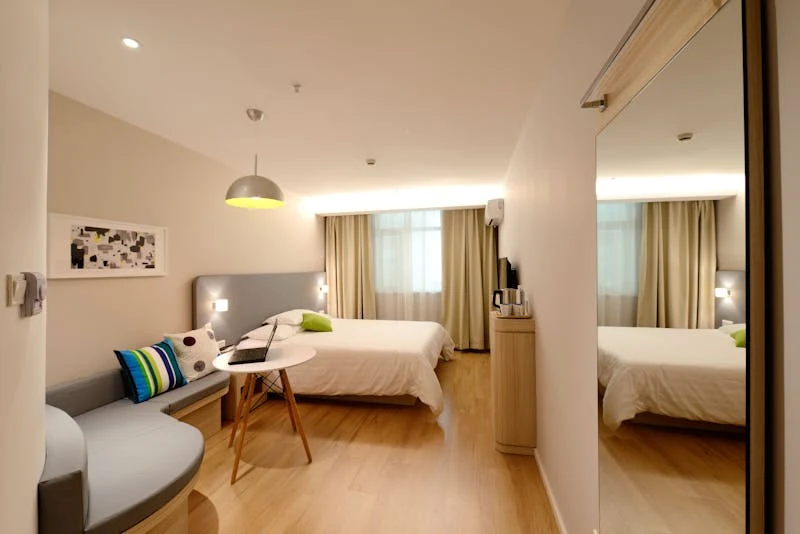
AI Ideas reads and analyzes your actual room, trained on real work from professional interior designers, then proposes five pro-level directions to lift it. Each one comes with clear reasoning: what to change and why. Tap any direction to visualize it instantly on your photo. Most apps push a generic look that never fits your room. Idori explores with you, from your real space.
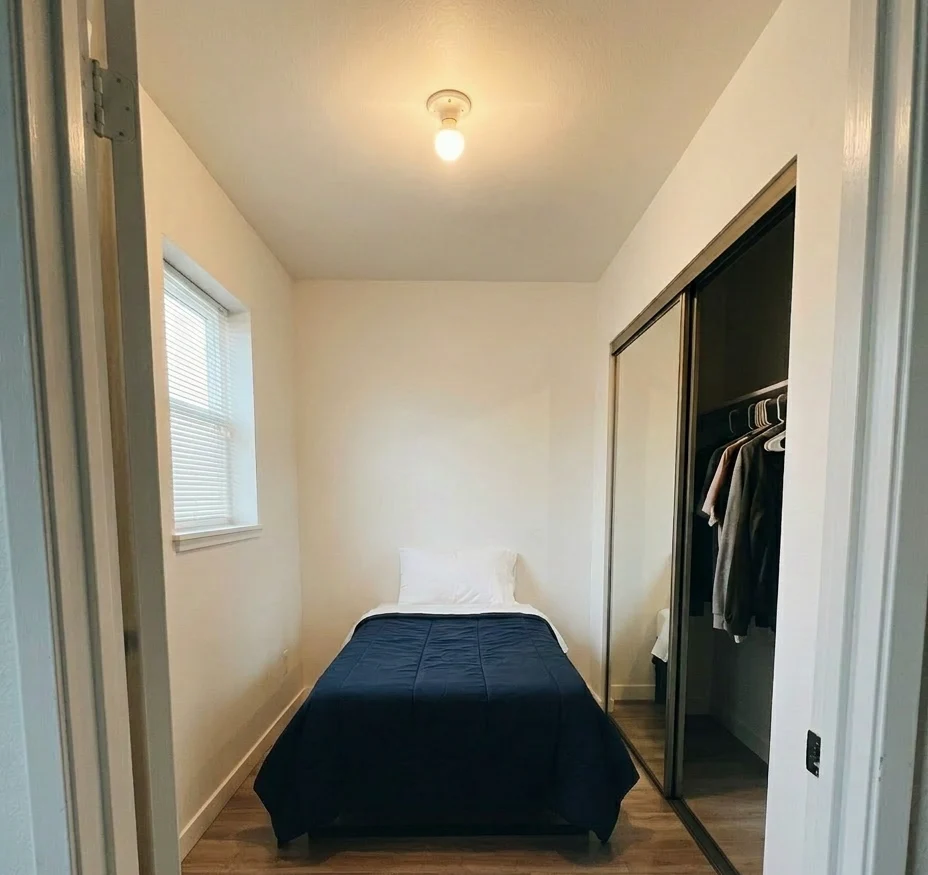
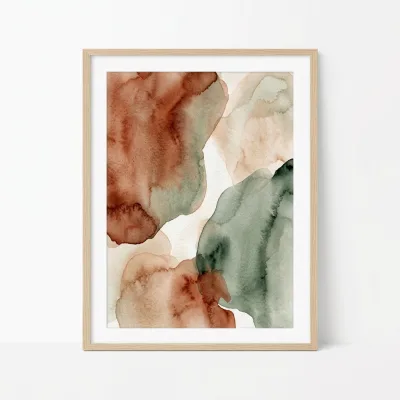 @1
Add this painting
@1
Add this painting
Love a redesign but one thing's off? Most AI tools make you regenerate the whole room and gamble away everything you liked. Spot Edit ends that. Pin up to four spots on your image and tell Idori exactly what each should become. Attach a reference photo for a specific lamp, rug, or finish, and call out spots like @1 right in your prompt. Everything you didn't pin stays exactly as it is.
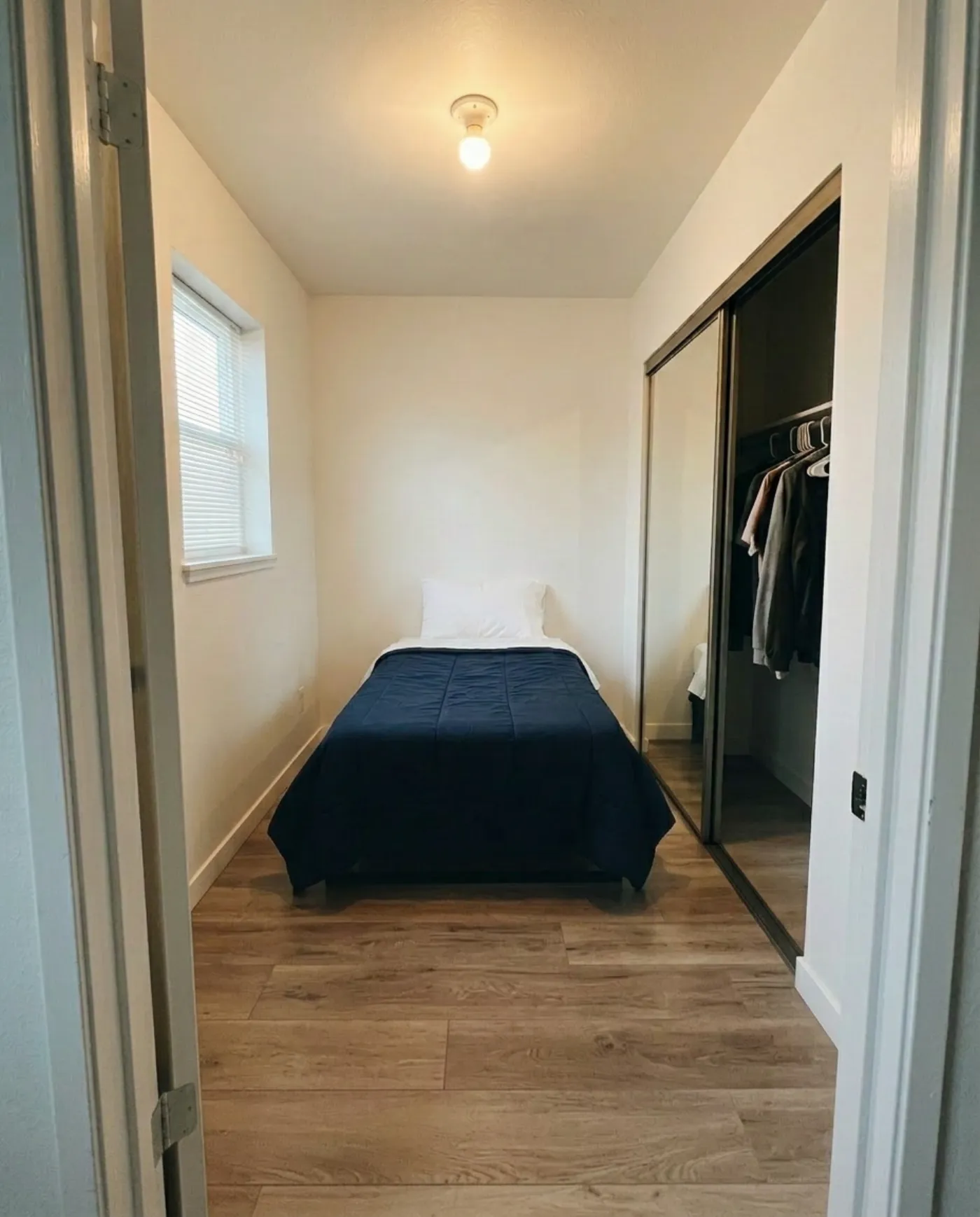
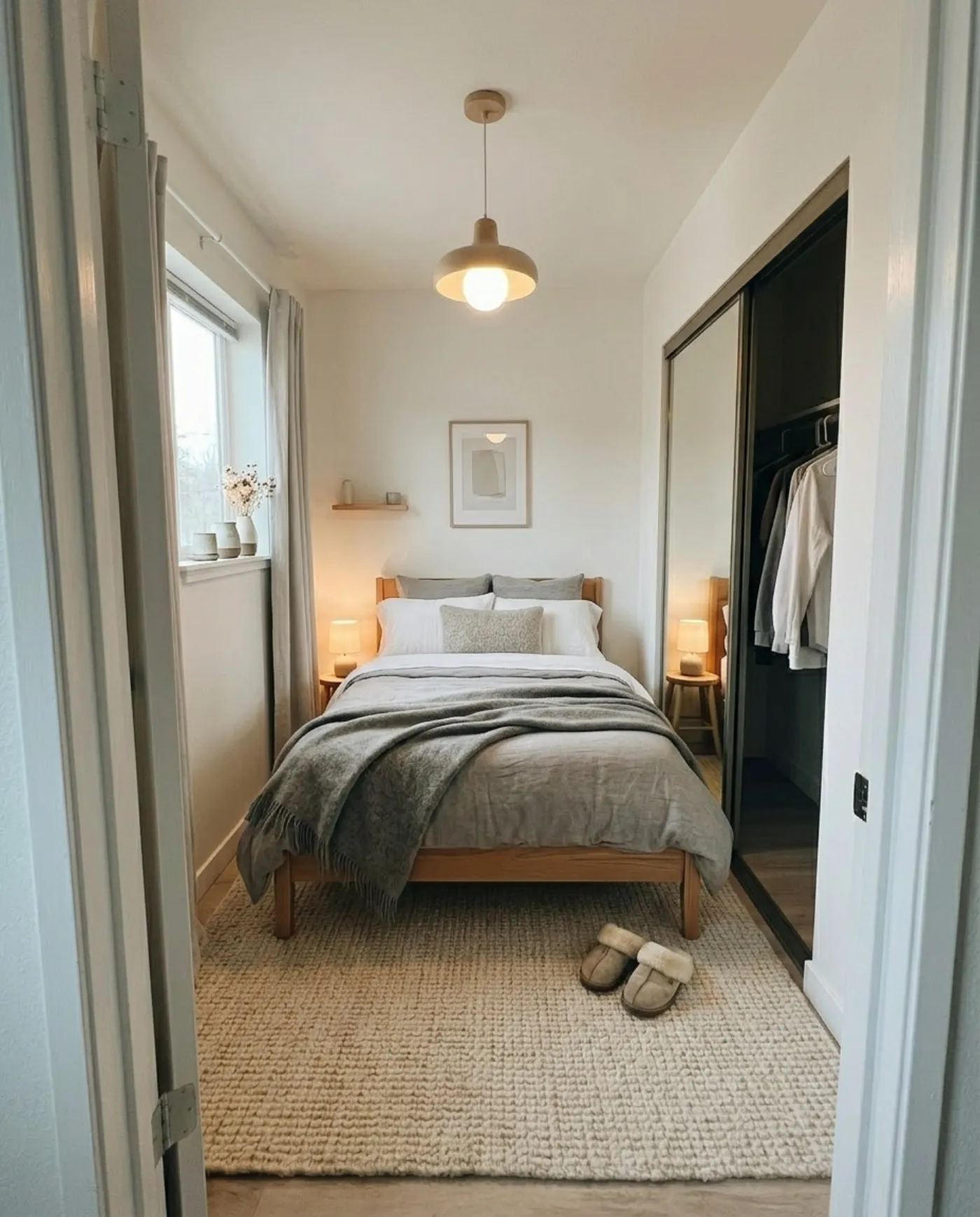 Original
Styled
Original
Styled
Every result becomes a version in a clear, browsable Version History. Slide between before and after, scroll back through every version, retry the ones you like, or Branch from any one to explore a whole new direction. All on one continuous screen.
EspañolConvierte esta sala en un estilo costero luminoso y acogedor.
العربيةحوّل هذه الحديقة إلى جلسة مغربية دافئة.
日本語畳と低い家具で、和室みたいに落ち着かせて。
You shouldn't have to translate your taste into English first. Write your prompt in the language you actually think in. Idori reads the intent and redesigns your real photo exactly as you described.
Curated styles
From the warm restraint of Japandi and Wabi-Sabi to bold Maximalist and breezy Coastal: apply a complete, considered look to your space without writing a word. We add fresh styles regularly.
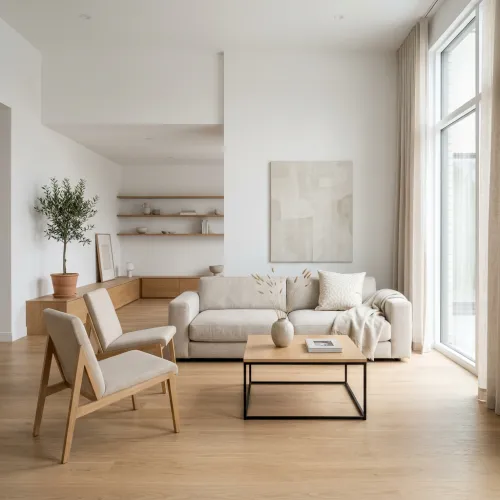 Minimalist
 Scandinavian
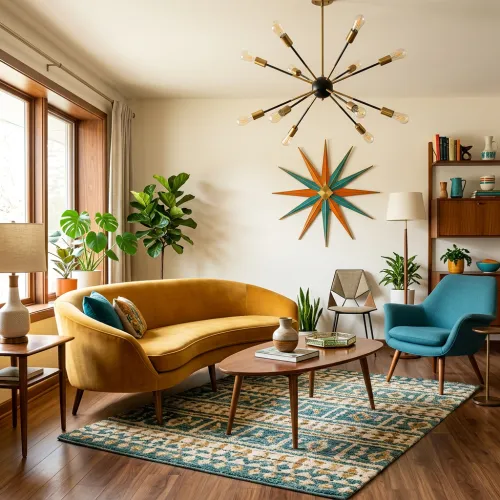 Mid-Century
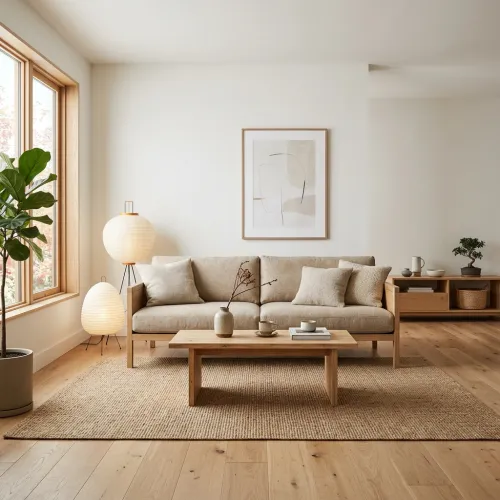 Japandi
 Contemporary
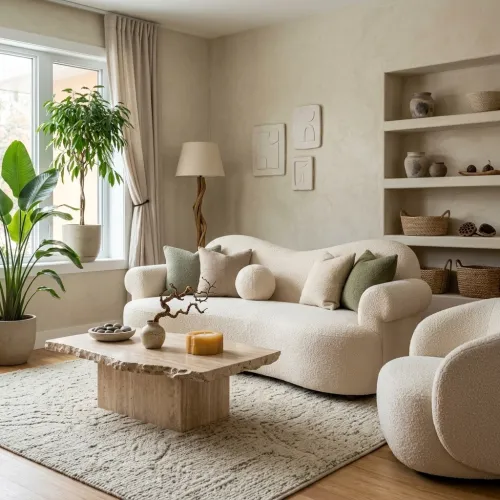 Organic Modern
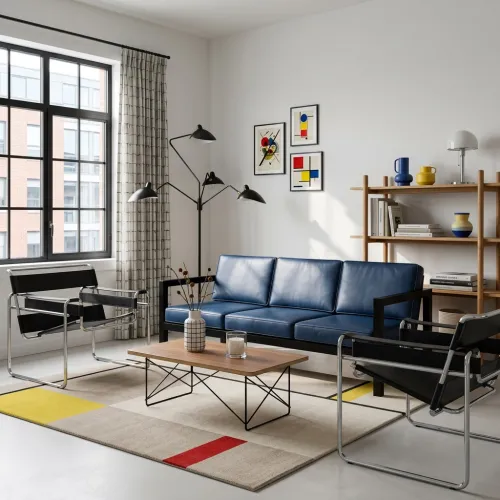 Bauhaus
 Traditional
 French Country
 Mediterranean
 Art Deco
 Transitional
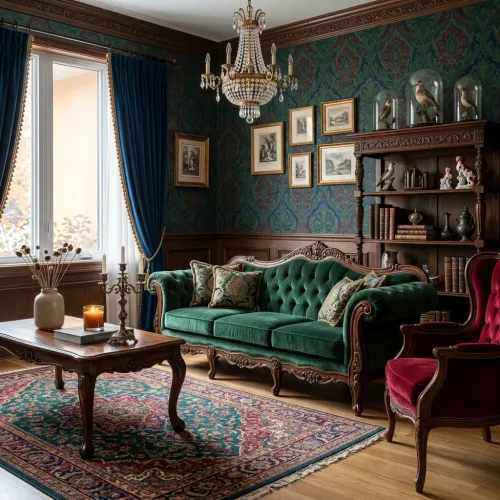 Victorian
 Neoclassical
 Industrial
 Bohemian
 Tropical
 Maximalist
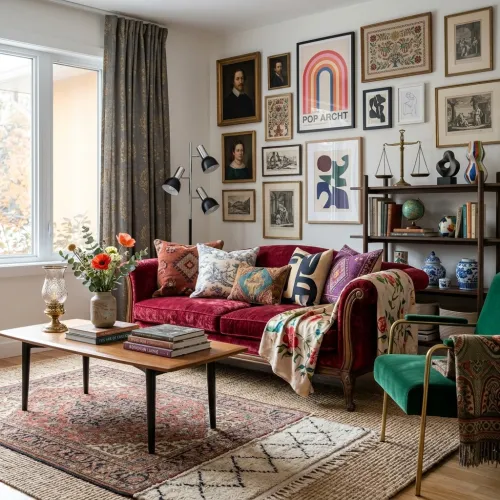 Eclectic
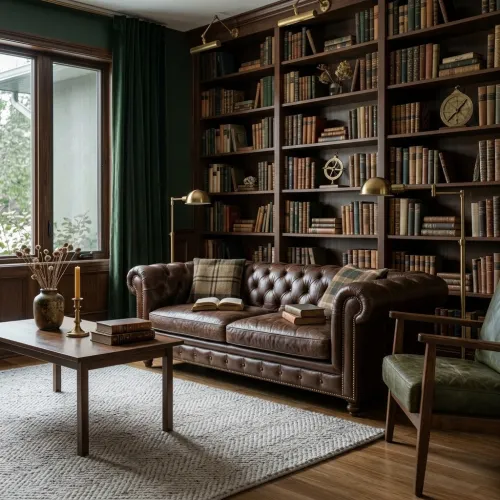 Dark Academia
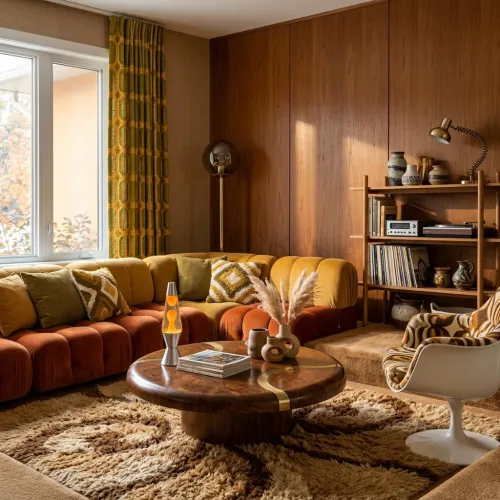 Retro '70s
 Art Nouveau
 Moroccan
 Modern Farmhouse
 Coastal
 Rustic
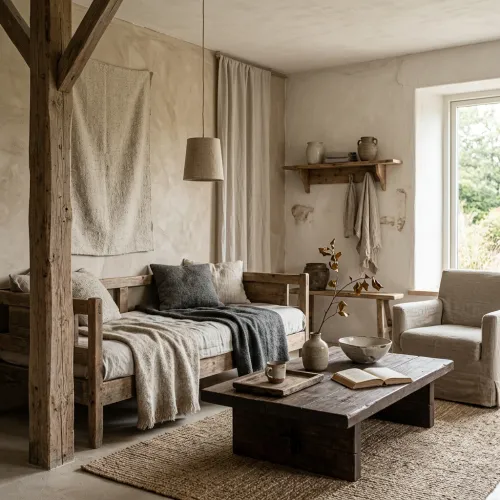 Wabi-Sabi
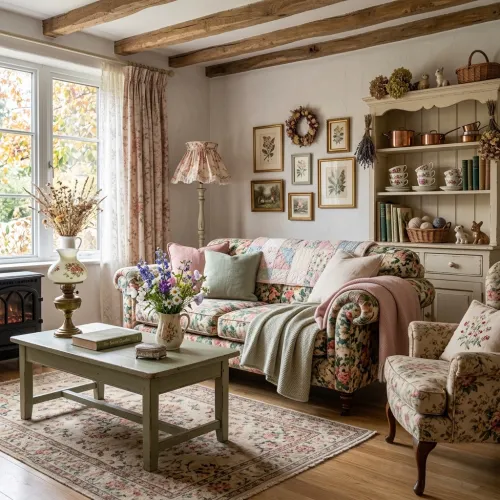 Cottagecore
 Chalet
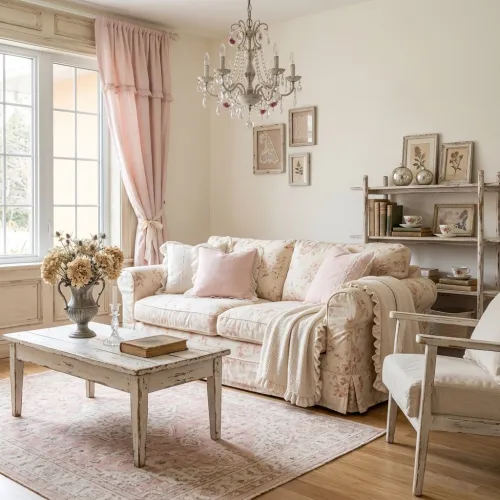 Shabby Chic
Real spaces, redesigned
BeforeAfter
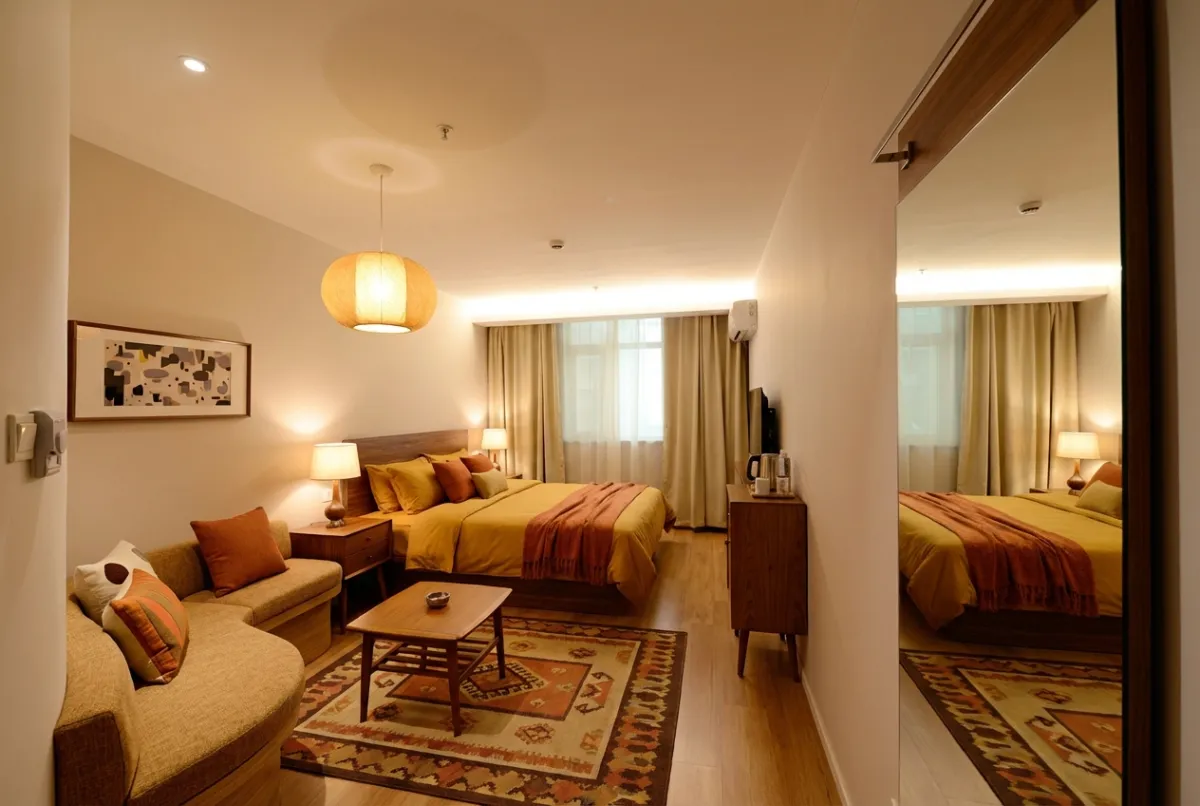 BeforeAfter

 BeforeAfter
Access
Free
Everything you need to redesign your first spaces.
Pro
The complete creative loop, unlocked.
Need more in a busy week? Credit top-ups are available to everyone. Pricing is shown in the App Store at checkout.
Good to know
Idori is the most complete AI interior design app for real spaces. Start from a photo of any room or exterior, then get AI Ideas, apply curated styles, and pin precise Spot Edits to change exact areas while keeping the rest intact. Compare and Branch every version in one continuous workflow, then export in full quality. Free to start.
Anything you can photograph: living rooms, bedrooms, kitchens, bathrooms, offices and dining rooms, plus exteriors, patios, backyards, gardens, and facades.
Free includes Freeform Prompt redesigns, the full library of 30+ curated styles, and Compare with Version History, all on a weekly credit allowance; shared exports carry a small watermark. Pro unlocks AI Ideas, Spot Edit, watermark-free exports, and a larger weekly allowance. Credit top-ups are available to everyone.
Spot Edit lets you pin up to four exact spots on an image and give each one a text instruction and an optional reference photo, so you can change one precise area without disturbing the rest. You can even reference spots in your prompt with @1, @2, and so on. Spot Edit is a Pro feature, and no other interior design app on the App Store offers this level of precision.
AI Ideas is for the moment a space feels off but you can't name the fix. Upload a photo and Idori's AI, trained on real work from professional interior designers, reads and analyzes your actual room, then proposes five pro-level directions to lift it. Each comes with reasoning: what to change and why. When a direction clicks, one tap visualizes it right on your photo. Most apps push a generic look that never quite fits your room; Idori explores with you and works from your real space. No other app on the App Store does this. AI Ideas is a Pro feature.
No. Uploaded photos, prompts, and spot data are used only to complete a generation request and are not retained on our servers. Your projects and Version History are stored locally on your device, and your content is never used to train AI models. See our Privacy Policy for details.
Yes. You can write your prompt in your native language, no need to translate it into English first. Idori reads the intent and redesigns your photo from it, whether you're generating ideas, applying a style, or pinning a precise Spot Edit.
Idori is an iOS app for iPhone and iPad.
Subscriptions are handled through your Apple ID. You can manage or cancel anytime in Settings > [your name] > Subscriptions on your device.
Your space is waiting
Download Idori, point your camera at the room you want to rethink, and watch the directions appear.